
How CV parsing works: a guide for job seekers and HR pros

CV parsing is defined as the automated process of extracting structured data from a CV and storing it in a format that recruitment systems can search, filter, and rank. Every time you upload a CV to a job board or applicant tracking system (ATS), a parser reads it before any human does. Understanding how CV parsing works gives you a direct advantage: you can format your CV to be read accurately, and HR professionals can set up systems that surface the right candidates faster.
How does CV parsing work, step by step?
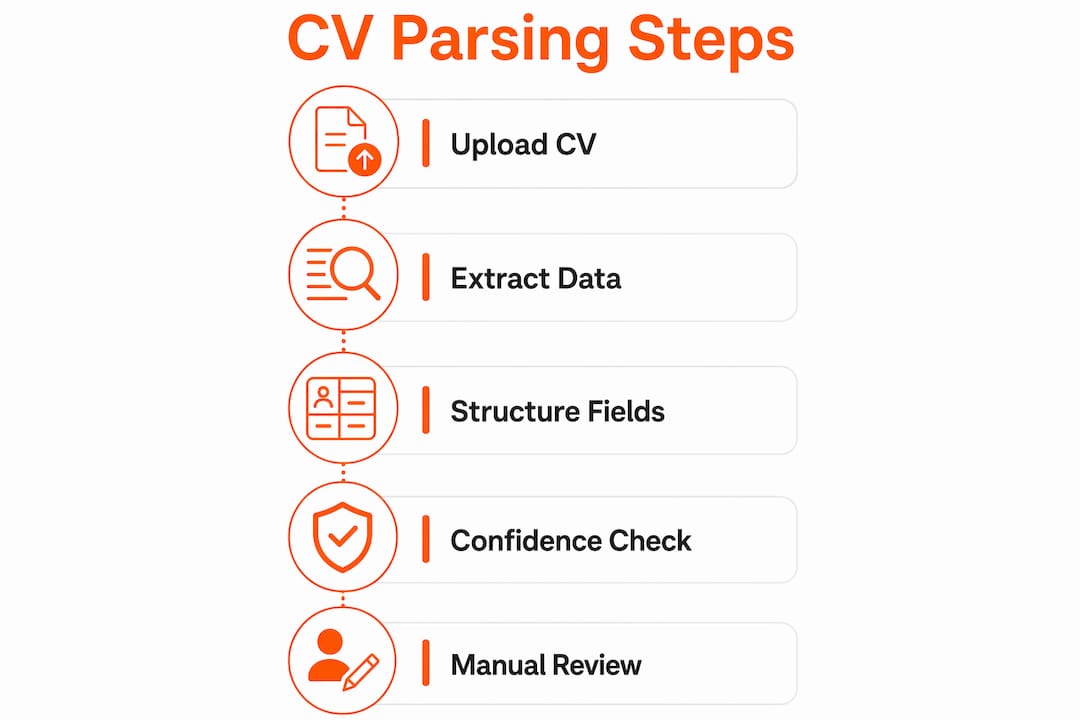
The parsing pipeline follows seven sequential stages, each building on the last to convert a raw document into a clean, searchable record.
- File ingestion. The system accepts your uploaded file, whether it is a PDF, DOCX, or image scan, and identifies the format before processing begins.
- Text extraction. For text-based files, the parser lifts the raw text directly. For scanned documents or image files, it applies optical character recognition (OCR) to convert pixels into readable characters.
- Layout normalisation. The parser reconstructs the logical reading order of the document. A two-column CV, for example, can confuse a parser into reading across columns rather than down each one, mixing job titles with education dates.
- Entity tagging. Using named entity recognition (NER), the system labels each piece of text: contact details, job titles, employer names, dates, qualifications, and skills. This is where natural language processing (NLP) does its heaviest work.
- Taxonomy normalisation. Extracted skills and job titles are matched against large skill taxonomies containing 25,000 to 50,000 entries. This consolidates variants so that “JS developer,” “JavaScript engineer,” and “front-end dev” all map to the same skill node.
- Data structuring. The normalised data is formatted into a structured output, typically JSON or XML, ready for database import.
- Database import. The structured record enters the ATS, where candidate data becomes searchable and filterable by recruiters.
Pro Tip: Before submitting any application, try highlighting the text in your CV with your cursor. If you can select it, the parser almost certainly can read it. If you cannot highlight it, the document is likely an image and will require OCR, which reduces accuracy.
How accurate is CV parsing technology?

Accuracy varies significantly by data field. Contact fields such as email addresses and phone numbers reach over 99% accuracy because they follow predictable patterns. Ambiguous fields like job titles and skills fall in the 70–90% range, because context matters and job titles vary widely across industries and regions.
The format of your document has a direct impact on these figures. Multi-column layouts and scanned PDFs introduce reading order errors and OCR mistakes that push accuracy down further. A recruiter relying on parsed data from a poorly formatted CV may never see your most relevant experience, because it was extracted incorrectly or missed entirely.
Modern parsers address this with machine learning. Rather than matching keywords alone, advanced parsers use NLP and contextual models to infer meaning from surrounding text. A parser trained on millions of CVs can recognise that “led a cross-functional team” implies a management role, even without the word “manager” appearing in the title.
Confidence scoring adds another layer of reliability. When a parser is uncertain about an extraction, it flags the field for manual review rather than guessing. This is standard practice in enterprise-grade ATS platforms and reduces the risk of a candidate being incorrectly filtered out.
Pro Tip: If you are an HR professional configuring an ATS, set a confidence threshold that triggers manual review for any field scoring below your acceptable accuracy level. This catches the edge cases that automated parsing misses.
What are the different types of CV parsing methods?
Parsing methods fall into three broad categories, and the method used determines how well a parser handles unusual formatting or non-standard language.
- Keyword-based parsing scans for specific words and phrases. It is fast and works well for structured CVs with standard terminology, but it fails when candidates use synonyms or unconventional job titles.
- Grammar-based parsing analyses phrases in context, using linguistic rules to understand the relationship between words. It handles more variation than keyword parsing and produces better results for narrative-style CVs.
- Statistical parsing applies probability models trained on large datasets to infer the most likely meaning of a word or phrase given its context. It is more flexible than rule-based approaches and handles ambiguity better.
Modern enterprise parsers combine all three methods and layer large language models (LLMs) on top. This means the parser does not just look for the word “Python”; it understands that “built data pipelines using scripting languages” in a data engineering context likely implies Python proficiency. That level of contextual understanding is what separates current AI-driven parsers from the keyword scanners of a decade ago.
Knowing which type of parser an ATS uses matters for HR professionals selecting recruitment technology. It also matters for candidates: a grammar or statistical parser rewards clear, natural writing, while a keyword parser rewards exact terminology matches.
How can you optimise your CV for better parsing?
A well-structured CV with clear sections and recognised terminology significantly improves parsing accuracy and your chances of appearing in recruiter searches. The formatting choices you make before submitting an application directly affect whether your skills and experience are captured correctly.
Follow these practical steps:
- Use a clean, single-column layout. Multi-column designs look polished to the human eye but confuse layout normalisation. Stick to a single column for maximum machine readability.
- Save as a text-based PDF or DOCX. Avoid submitting image files or scanned documents. If the text in your CV cannot be highlighted, reformat it before applying.
- Use standard section headers. Labels like “Work Experience,” “Education,” and “Skills” are recognised by every major parser. Creative alternatives like “My Story” or “Where I’ve Been” will not be tagged correctly.
- Write job titles in full. Avoid internal acronyms or highly abbreviated titles. “Senior Software Engineer” parses reliably; “SSE (L5)” may not.
- Match terminology to the job description. Parsers normalise skills against taxonomies, but using the exact terms from the job posting increases the chance of a correct match. Use our CV tailoring checklist to align your language with each role.
Pro Tip: Parsing only extracts data. It does not evaluate your suitability. The candidate ranking and scoring that determines whether you progress happens after parsing, using the structured data the parser produced. A clean, accurate parse is the foundation everything else builds on.
SparkCV makes CV optimisation straightforward
Knowing the theory of CV parsing is useful. Acting on it quickly is what gets you interviews.
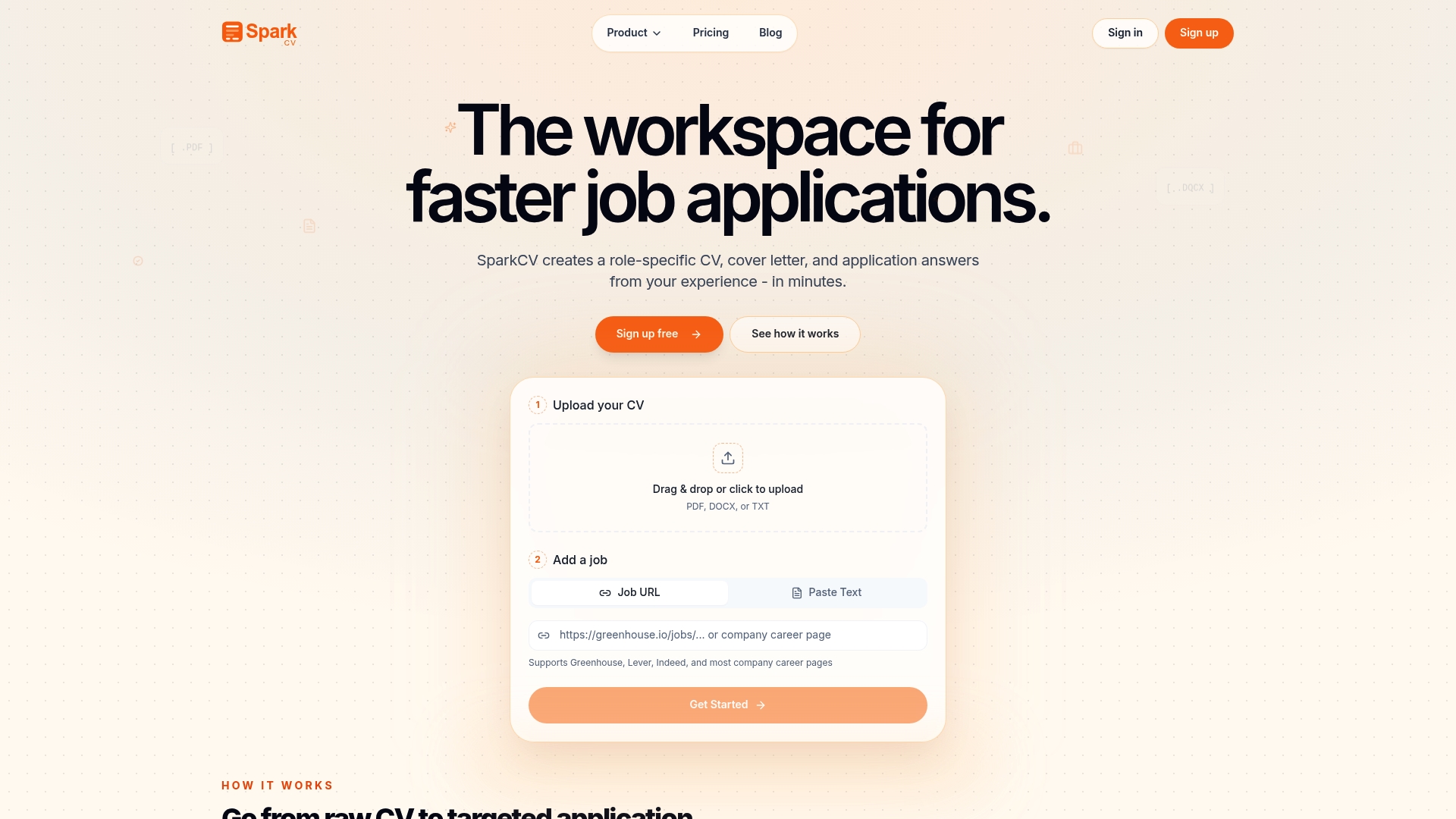
SparkCV uses AI to analyse your existing CV and the job description together, then generates a tailored, ATS-friendly version in minutes. The platform checks keyword matching, flags formatting issues that could impair parsing, and produces cover letters and application question answers aligned to the role. You do not need to manually audit every section or guess which terms a parser will recognise. SparkCV handles that process so you can focus on preparing for the interview. Get started with SparkCV and submit applications that reach a recruiter’s desk in the right shape.
FAQ
What does a CV parser actually do?
A CV parser converts an uploaded CV into structured data fields such as name, contact details, work history, education, and skills, which are then stored in an ATS database for recruiter searches.
Does CV parsing decide if I get an interview?
Parsing only extracts and structures your data. Candidate evaluation and scoring happen in a separate layer of the recruitment system, after parsing is complete.
Why do scanned CVs cause parsing problems?
Scanned CVs are image files, not text files. The parser must use OCR to read them, which introduces character recognition errors and reduces accuracy, particularly for skills and job titles.
What file format is best for CV parsing?
A text-based PDF or DOCX file gives parsers the cleanest input. If you can highlight the text with your cursor, the file is almost certainly parseable without OCR.
How do I know if my CV is ATS-friendly?
Use a single-column layout, standard section headers, and full job titles written in plain text. Tools like SparkCV can also check your CV against a specific job description and flag any issues before you apply.
Key takeaways
CV parsing converts unstructured CV documents into structured, machine-readable data that ATS platforms use to search and rank candidates, making your formatting choices as important as your experience.
| Point | Details |
|---|---|
| Parsing follows a fixed pipeline | Seven stages transform a raw file into a structured database record, from ingestion to import. |
| Accuracy depends on field type | Contact details exceed 99% accuracy; job titles and skills fall in the 70–90% range. |
| Format directly affects results | Single-column, text-based PDFs give parsers the cleanest input and the highest accuracy. |
| Parsing does not evaluate candidates | Scoring and ranking happen after parsing, using the structured data the parser produced. |
| Keyword alignment improves matching | Using terminology from the job description increases the chance of correct taxonomy matching. |
Recommended reads
Keep exploring






Hear more from SparkCV
Leave your email for new articles, onboarding invites, and launch news.
We’ll only use this for SparkCV emails, and you can unsubscribe any time.