
How automated CV tools work: a clear guide

Automated CV tools are software systems that convert unstructured resumes into structured data, then use artificial intelligence to assess how well each candidate matches a job. The industry term for this process is automated resume screening, though CV automation and AI-powered parsing are equally common labels. Understanding how CV screening tools function matters whether you are applying for jobs or hiring for them. These systems now sit at the front of most large recruitment pipelines, and knowing their logic gives you a real advantage.
How do automated CV screening tools process resumes?
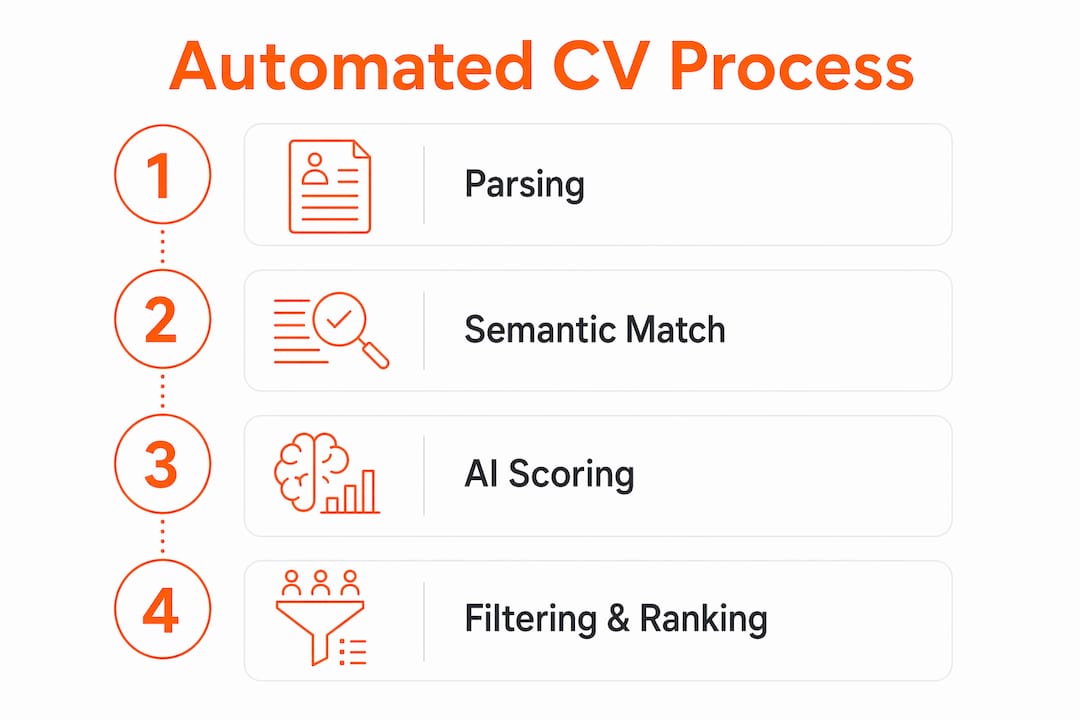
Automated CV tools work through four sequential stages: parsing, keyword and semantic matching, AI-based scoring, and threshold filtering. Each stage builds on the last, turning a PDF or Word document into a ranked candidate profile.
Stage 1: Parsing
Parsing is where the tool extracts raw text and converts it into structured fields: job titles, employers, dates, qualifications, and skills. Advanced parsers handle multi-column layouts and graphics-heavy templates far better than older applicant tracking systems, which often lose data when they encounter tables or icons. If your CV uses unusual formatting, a legacy parser may miss entire sections.

Stage 2: Semantic matching
Old systems counted keyword occurrences. Modern tools use transformer model architectures to read context, so a CV that says “built Python pipelines” can match a job description that asks for “data engineering experience.” This is a significant shift. You no longer need to mirror every phrase in a job advert word for word.
Stage 3: AI scoring
The system scores each candidate against the job criteria. Scoring models weigh required skills, preferred skills, recency of experience, and career trajectory to produce a composite score, not a simple keyword count. A candidate with five years of recent, relevant experience will outscore one with ten years of tangential experience, even if both CVs contain the same keywords.
Stage 4: Threshold filtering and ranking
The tool produces a ranked shortlist. Recruiters set a score threshold, and only candidates above it move forward. Thresholds are adjustable, which means the same CV can pass or fail depending on how tightly a recruiter has configured the system.
Pro Tip: Submit your CV as a clean, single-column Word document or PDF with standard fonts. Advanced parsers cope with complex layouts, but there is no benefit to testing them.
What benefits do automated CV tools bring?
The efficiency gains from CV automation are substantial. Automated screening reduces manual CV review from 40–65 hours per 500 applications to 15–20 minutes. That is a near-total elimination of administrative review time, freeing recruiters to focus on interviews and candidate relationships.
Key benefits include:
- Faster hiring. Time-to-hire drops by 25–30% when screening is automated, and interview-to-hire rates increase by 20–25%. Fewer wrong candidates reach the interview stage.
- Reduced bias. Automation standardises evaluation criteria, prioritising qualifications and skills over factors like name, address, or CV design. This limits the subjective snap judgements that affect manual screening.
- Fewer errors. Structured data workflows reduce the transcription mistakes that occur when recruiters manually copy candidate details into spreadsheets or databases.
- Better candidate experience. Standardised processes mean candidates receive consistent communication and faster responses, rather than waiting weeks for a human to work through a pile of CVs.
Treating CVs as structured data rather than static documents is the underlying principle that makes all of these gains possible. Once a CV is parsed into fields, it can be searched, filtered, anonymised, and reused across multiple roles without anyone re-reading the original document.
What are the common misconceptions about CV screening tools?
The biggest myth is that formatting causes most automated rejections. Keyword mismatch is the primary cause of automated CV rejection, not font choice or column layout. A beautifully formatted CV that omits the skills listed in the job description will fail. A plain-text CV that includes them will pass.
Other common misconceptions worth correcting:
- Automation makes the final decision. It does not. Automated tools act as recommendation engines; human recruiters review the shortlist and make the final call. The system narrows the field; people choose from it.
- AI screening is perfectly objective. Scoring models are trained on historical hiring data, which can encode past biases. A system trained on data from a homogenous workforce may inadvertently favour candidates who resemble previous hires.
- Passing the screen means getting the job. Automated screening is the first filter, not the last. A high score gets your CV in front of a recruiter; your experience and interview performance determine the rest.
Pro Tip: Read the job description carefully and mirror its exact terminology for key skills. If the advert says “stakeholder management,” use that phrase, not “client liaison,” even if they mean the same thing to you.
How can you optimise your CV for automated screening?
The logic of automated screening gives you a clear framework for writing a stronger CV. Focus on content alignment first, then formatting.
- Match the job description directly. List skills and qualifications using the same terminology the employer uses. Check the CV tailoring checklist to confirm you have covered every requirement before submitting.
- Quantify your achievements. Scoring models extract measurable impact. “Increased sales by 30%” scores higher than “responsible for sales growth” because the system can recognise and weight a concrete result.
- Use standard section headings. Labels like “Work Experience,” “Education,” and “Skills” are universally recognised by parsers. Creative alternatives like “My Story” or “What I Bring” confuse extraction algorithms.
- Avoid graphics, text boxes, and tables for key content. Place your most important information in plain text. Parsers read flowing text reliably; embedded graphics are often skipped entirely.
- Balance machine readability with human clarity. A CV optimised purely for keyword density reads badly. Recruiters still read shortlisted CVs, so your content must make sense to a person as well as a parser.
If your CV has been rejected before being read, the cause is almost always a content mismatch rather than a formatting error. Fixing the content alignment is the most direct path to passing the automated filter.
AI-assisted CV generation tools address this directly. They analyse the job description alongside your existing CV, identify gaps, and generate a tailored version with the right terminology already in place. This approach is faster and more consistent than manually rewriting your CV for each application.
SparkCV makes CV optimisation straightforward
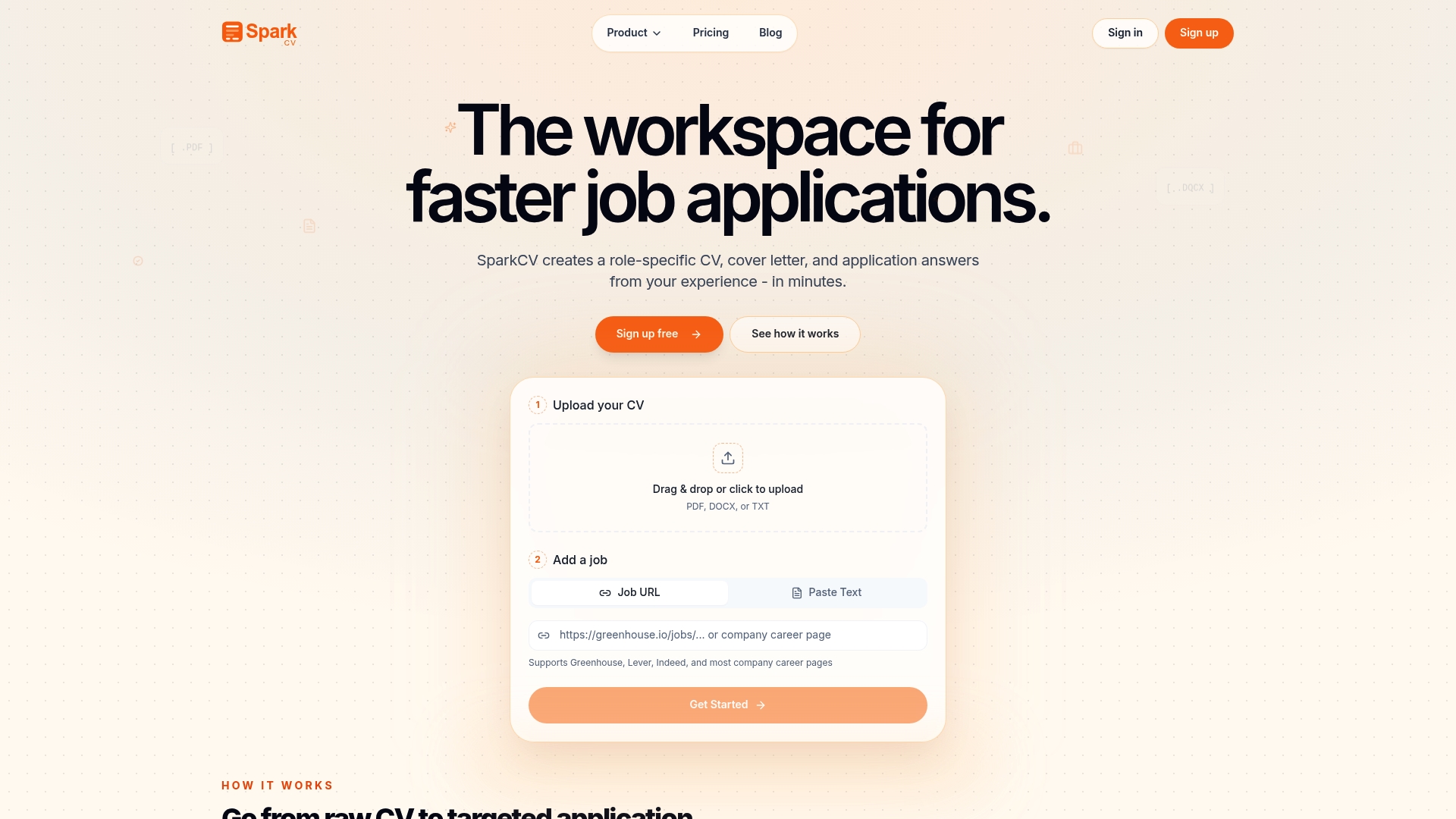
SparkCV analyses your existing CV alongside the job description and produces a tailored, ATS-friendly version in minutes. The platform handles keyword matching, gap analysis, and content alignment automatically, so you spend your time on applications rather than rewrites. You also get a matching cover letter and tailored application question answers, giving you a complete submission package for each role. Start optimising your CV with SparkCV and give every application the best possible chance of passing automated screening.
Key takeaways
Automated CV tools work by converting resumes into structured data, then scoring candidates against job criteria using AI, with human recruiters making the final decision.
| Point | Details |
|---|---|
| Four-stage process | Parsing, semantic matching, AI scoring, and threshold filtering determine which CVs reach a recruiter. |
| Content beats formatting | Keyword and skill mismatch causes most automated rejections, not font choice or layout. |
| AI assists, humans decide | Automated tools rank candidates; recruiters review the shortlist and make the final hiring decision. |
| Quantified achievements score higher | Scoring models weight measurable results, so specific numbers outperform vague responsibility statements. |
| Tailor every application | Mirroring the job description’s exact terminology is the single most effective way to pass automated screening. |
FAQ
What does an automated CV tool actually do?
An automated CV tool parses your resume into structured data fields, then scores your profile against the job requirements using AI. The result is a ranked shortlist that recruiters use to decide who to interview.
Does formatting really matter for automated screening?
Formatting matters less than content. Keyword mismatch is the leading cause of automated rejection. Use standard section headings and plain text, but focus most of your effort on matching the job description’s language.
Can automated screening tools be biased?
Yes. Scoring models trained on historical hiring data can reflect past biases, potentially favouring candidates who resemble previous hires. Human review of the shortlist is the main safeguard against this risk.
How does AI screening differ from old keyword matching?
Modern systems use transformer architectures to understand context, recognising equivalent skills even when the terminology differs. Legacy systems counted exact keyword matches, which rewarded phrase-stuffing over genuine relevance.
Do automated tools make the final hiring decision?
No. Automated tools are recommendation engines. They narrow the candidate pool and rank it, but a human recruiter reviews the shortlist and decides who progresses.
Recommended reads
Keep exploring






Hear more from SparkCV
Leave your email for new articles, onboarding invites, and launch news.
We’ll only use this for SparkCV emails, and you can unsubscribe any time.